What each scan result means — and how to fix it
Every link the extension checks comes back with an HTTP status code. The color tells you how urgent it is; the code tells you what actually happened and what to do next.
| Result | What it means | What to do |
|---|---|---|
| 200 OK | The link works and the page loaded normally. | Nothing. |
| 301 Moved Permanently | The page has moved for good and the server forwards visitors to a new address. | Update your link to the final URL shown in the results, so visitors and crawlers skip the extra hop. |
| 302 / 307 Temporary | The page is forwarding somewhere else for now — often a login screen, a regional version, or a tracking link. | Check it is intentional. If a “temporary” redirect has been in place for months, link to the destination directly. |
| 404 Not Found | The page does not exist at that address. It was deleted, renamed, or the link has a typo. | Point the link at the new URL or the closest replacement, or remove it. If the missing page is on your own site, add a 301 redirect from the old URL. |
| 410 Gone | The site owner removed the page on purpose and it is not coming back. | Replace the link with another source, or remove it. |
| 403 / 401 | The server refused the request — the page needs a login, or the site blocks automated checks. | Open the link in a normal tab. If it loads for you, it is fine for visitors; if not, replace it. |
| 500, 502, 503 | The destination server had an error. This can be temporary (maintenance, overload) or a sign the site is failing. | Re-scan later. If the error persists for days, treat it like a 404. |
| Timeout / unreachable | No response at all — the domain may have expired, the DNS is gone, or the server is down. | Remove or replace it. Expired domains are often re-registered by spammers, so a dead outbound link can later point somewhere you would never endorse. |
Why broken links matter for SEO and visitors
Visitors leave. A reader who clicks a link and lands on an error page has hit a dead end. Some go back; many close the tab. On a product or sales page, that is a lost conversion.
Search engines lose their way through your site. Google discovers and re-crawls pages largely by following links. A broken internal link means the page it should have pointed to gets less crawl attention and none of the link value that would have flowed to it. Pages that are only reachable through broken links can end up effectively orphaned.
Redirect chains add friction. Every redirect is an extra round trip before the page loads. Chains of several redirects slow visitors down, and Google stops following after a limited number of hops. Updating links to their final destination removes the problem entirely.
It signals neglect. Google has said a handful of broken outbound links will not trigger a penalty on their own. But a page full of dead references is less useful than an up-to-date one, and usefulness is exactly what search engines try to measure.
A practical workflow for cleaning up a page
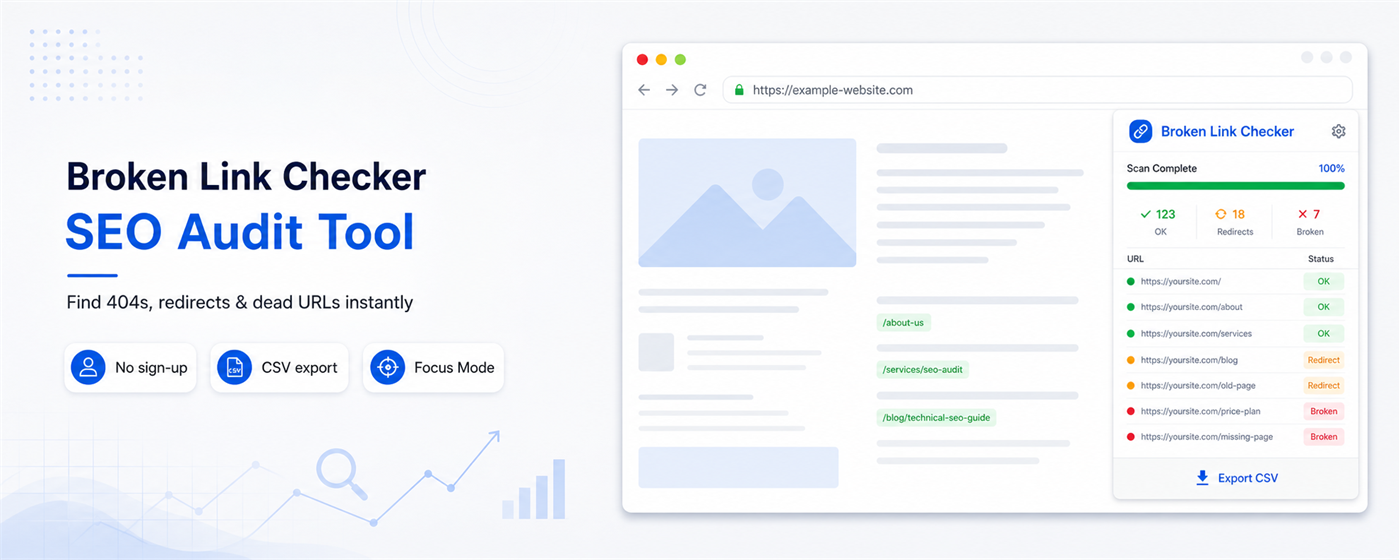
- Scan the page. Open it in Chrome — logged in, if it is behind a login — click the extension icon and choose Scan This Page. The sidebar panel stays open while you work, and results stream in as each link is checked.
- Filter to Broken first. Red results are the ones actively hurting visitors. Fix those before touching redirects.
- Find each link on the page. Click a result to use Focus Mode, which highlights exactly where that link sits on the page — useful when the same anchor text appears several times, or the link is buried in a footer or sidebar. Focus All highlights every scanned link at once.
- Decide per link. Use the table above: update, replace, remove, or add a redirect on your own site.
- Then clean up redirects. Filter to Redirects and update internal links that point at a 301 so they go straight to the final URL.
- Export and share. Download the results as a CSV to hand to a writer, developer or client, or to keep a record of what was fixed.
- Re-scan to confirm. Once the fixes are published, scan again and check the page is all green.
Checking more than one page? The Lifetime License adds a Sitemap health checker that works through the URLs listed in your XML sitemap, a Bulk URL checker for 20 URLs at a time, an Image checker, scan history, a stats dashboard and PDF reports.
Browser extension or website crawler — which do you need?
Desktop and cloud crawlers start at your homepage and follow every link across the whole site. They are the right tool for a full technical audit of a large website, but they take setup, usually have page limits or a subscription, and they see your site the way an anonymous bot does.
A browser extension checks the page you are looking at, as your browser rendered it. That makes it the faster tool for everyday checks: reviewing a blog post before you publish it, QA on a client page before handover, checking a staging site or a members-only page that a crawler cannot log in to, or spot-checking a competitor’s resource page for link-building opportunities.
Most teams use both: an extension for quick, page-level checks while they work, and a periodic full crawl — or the sitemap checker — to catch everything else.
When to check for broken links
- Before publishing any post or landing page that links out to other sources.
- After a site migration, redesign, or URL change — the moment when internal links break most often.
- After deleting or merging pages, to catch links elsewhere on the site that still point to them.
- Every month or so on your highest-traffic pages, because the sites you link to change without telling you.